GrandMA3 Fundamental (8 seats)
Course content
In this introductory GrandMA3 course, we cover all the essential topics for operating the console. Over five live sessions, we'll create a show from scratch. No prior knowledge of professional lighting is required.
We cover topics such as:
– connect the patches,
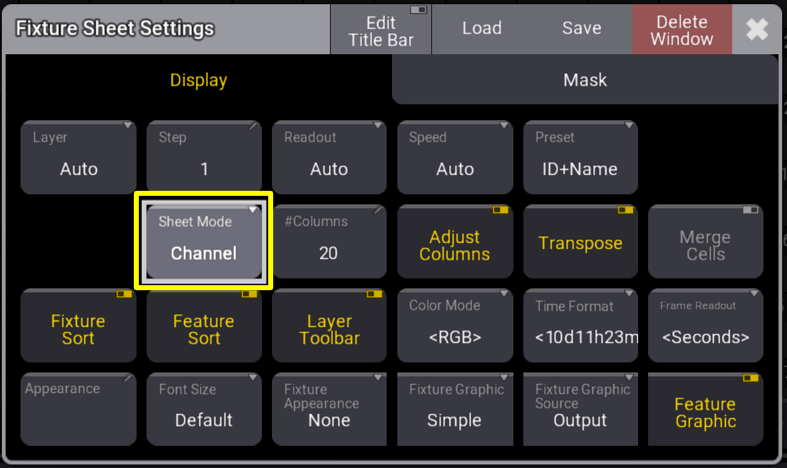
– configure the screens (views),
– create and save selections (groups, grid),
– manage and save attributes (presets),
– create lists of memories (cues, sequences)
– assign and configure controllers (executors, pages)
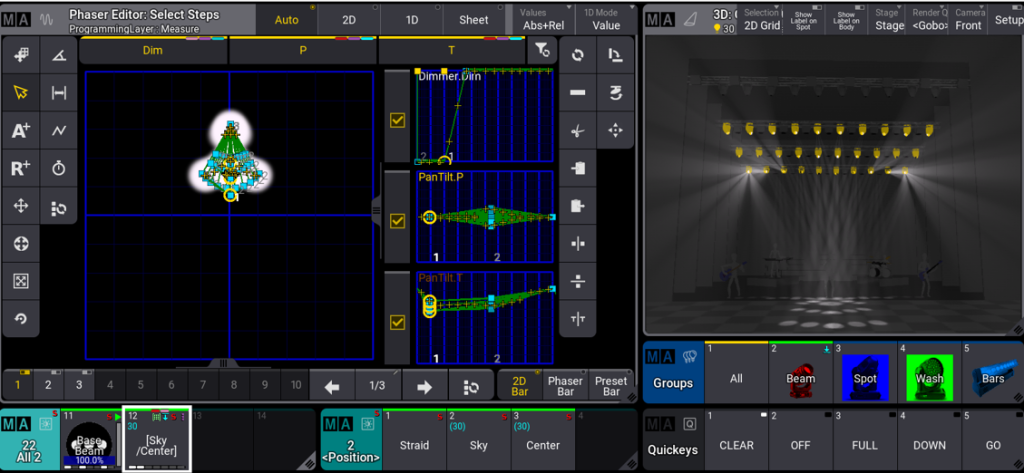
– create dynamic effects (phasers)
We'll begin the course with an empty show file and then step-by-step add all the necessary elements to create a complete show. We'll use the built-in visualizer to simulate stage lighting. By the end of the course, you'll not only have created a functional show, but you'll also have learned the purpose of each part of the performance and how to adapt it to your needs.
Technical requirements
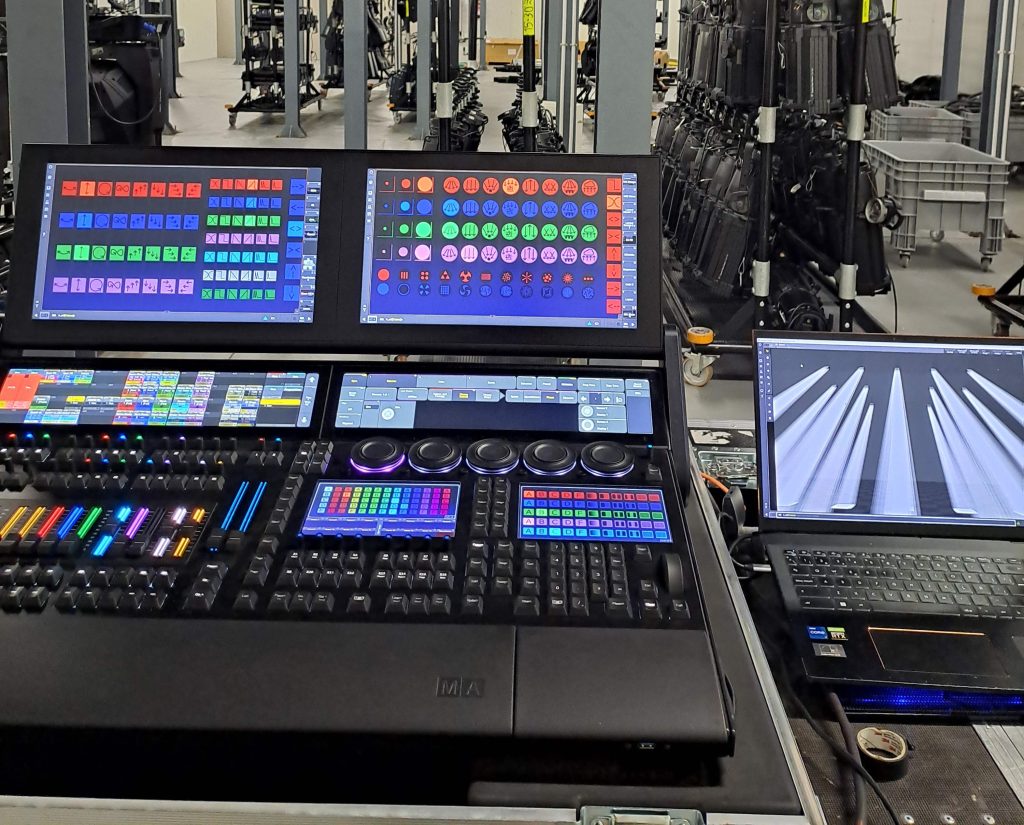
Since we will be practicing with the GrandMA3 software (on PC) during the sessions, students will need at least two monitors available for this course. One monitor to follow the session and another to practice with the GrandMA software. If you have a GrandMA3 console available, you can practice directly on it. Otherwise, you can download the GrandMA3 onPC software for free from the official MA website and install it on a PC or Mac computer. The software requirements can also be found on this page.
We use Microsoft Teams to create the sessions. A good internet connection is required to connect. We recommend having at least a 15-inch screen dedicated to the session and another for the MA3 software. Also, try Teams (the free version or via a browser) well in advance so you can take the necessary steps if it doesn't work the first time.
Prior knowledge
No prior knowledge of the console is required to follow this course. However, a basic understanding of lighting equipment and installation will be helpful.
Course organization
The course consists of 5 sessions via Microsoft Teams, each lasting 3 hours with a half-hour break. All sessions are held from 5:00 PM to 8:30 PM Madrid time. This corresponds to different morning times in the Americas, depending on the location. Each session will be recorded and made available to students for one month so they can review details or catch up on any missed sessions.
Conditions
We reserve the right to cancel the course (with a refund of the amount paid) in the event of:
- Not reaching the minimum of 4 students per course
- Illness or disability of the teacher.
- Impossibility due to live work.